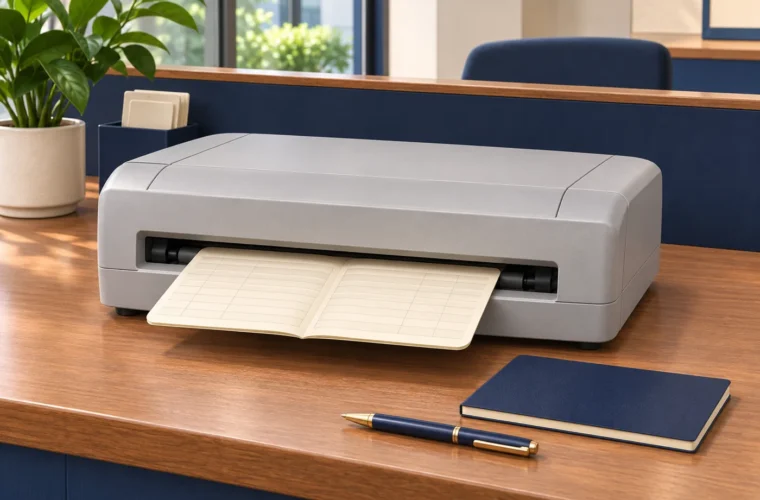

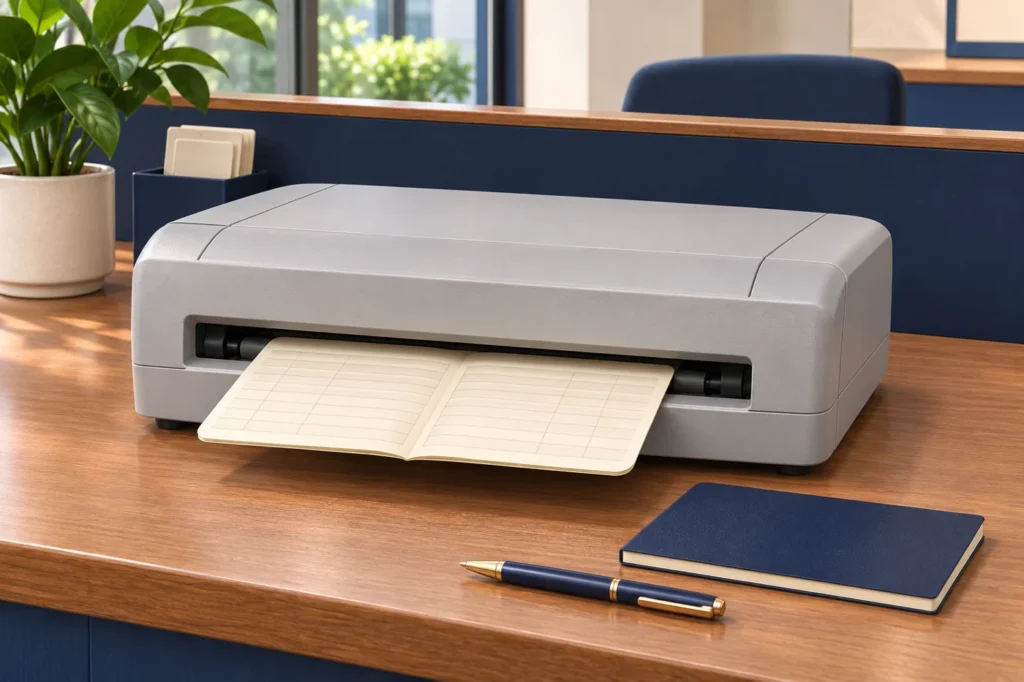
At a busy counter, the printing cycle is only one part of the customer's wait. Staff receive a book, identify the task, check information, print and return the document. Delays can happen at any of those points. Buying faster equipment without observing the sequence may leave the main problem untouched.
Map one complete interaction using authorised sample information. Write down who performs each action and where the book waits. The purpose is to find practical improvements without removing the checks the business requires.
Give each item a clear place
Arrange the counter so books awaiting work are distinguishable from completed output. Preserve customer and transaction identity through the organisation's approved process. A pile of similar-looking documents should not depend on one person's memory to remain in order.
Check the physical movement around the printer. Staff should be able to insert and retrieve supported media without reaching awkwardly around screens, cables or stationery. Leave the access required by the equipment guidance. The desk layout is part of the printing workflow.
Prepare the job before loading
Define the checks needed before printing starts. The operator should know which document and entry are being processed and which application action sends the job. A clear sequence reduces uncertainty about whether an output belongs to the current task or an earlier one.
Use the approved configuration consistently. Informal changes to alignment or settings can solve one immediate problem while creating another at the next counter. Record changes through the responsible technical team and keep staff aware of any revised procedure.
Make the output check specific
Identify what staff must inspect: the intended fields, readable characters and alignment in the relevant part of the book. Use examples during training so the check is practical. A general instruction to check the print can mean different things to different operators.
When selecting a passbook printer in Sri Lanka, use those examples in the demonstration. Ask staff to observe normal handling and review the output together. The equipment should support the counter's task with the actual approved media and application arrangement.
Define the response to an interruption
Explain when an operator should pause, whom to contact and how to prevent an uncertain job from being printed twice without review. The appropriate response depends on the application and printer, so follow the documented procedure for that setup.
Keep interrupted work identifiable. Record whether printing completed and what remains unresolved. This is particularly helpful when another employee takes over during a shift change. The next person needs a clear status, not a guess about the previous operator's last action.
Review the whole cycle
Compare the time spent receiving, preparing, printing, checking and returning the book. Separate equipment problems from training, layout or application delays. Improvements should address the observed cause instead of treating every queue as evidence that a new printer is needed.
Discuss the workflow and required output with Aiken when reviewing equipment. Include setup, training and support in the proposal. A well-organised counter combines suitable hardware with a routine that staff can follow consistently, especially during busy periods and handovers.