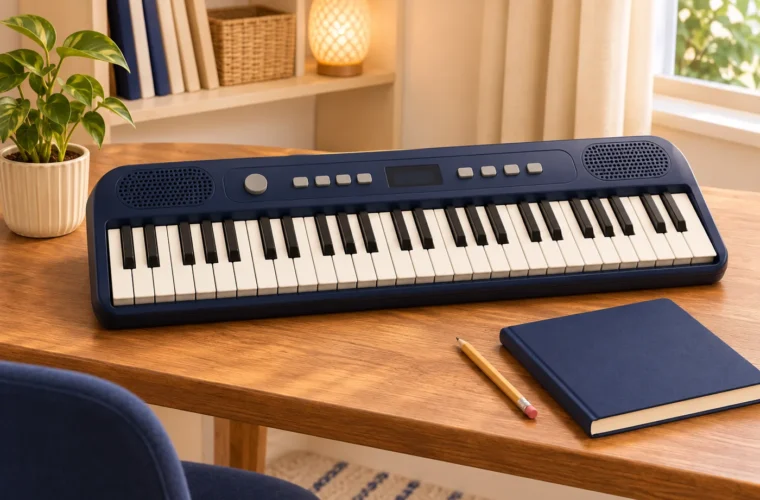

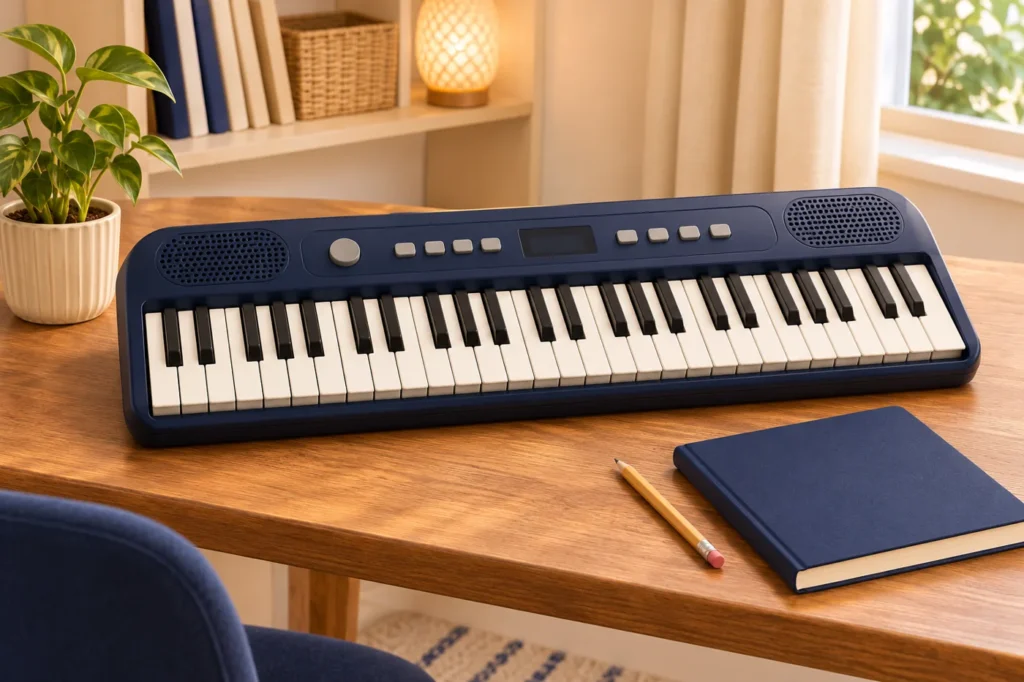
An instrument with many sounds can look like better value than one with fewer. That comparison becomes less convincing when the player uses only a handful and struggles to find the basic controls. Feature count is a starting point for questions, not a complete measure of usefulness.
Make two lists before shopping: functions used every session and functions used occasionally. Both can have value. The distinction helps explain where the budget should go and prevents an interesting demonstration from rewriting the learner's actual requirements.
Put the keys on the everyday list
Check the range, key size and playing characteristics needed for the intended activities. If the learner follows a teacher's programme, obtain those requirements first. Mini instruments have a particular role and may not suit every course or exercise.
Try a simple sequence rather than relying on appearance. Confirm any required response feature on the exact model. Similar-looking keyboards can differ, and a higher price alone does not establish that a particular playing requirement has been met.
Test how quickly the player can return to a familiar sound
Listen to the sounds the learner is likely to use regularly. Check how they are selected and whether the control sequence is easy to repeat. Variety can encourage exploration, but ordinary practice also needs a straightforward way back to a simple setup.
Ask what happens after switching the instrument off or changing modes if that matters to the routine. A useful control is one the intended player can understand. It may deserve more weight than additional effects that are enjoyable only during the initial demonstration.
Give practice functions a specific job
If rhythms or a timing aid are required, verify availability and ask how tempo, start and stop controls work. Have the learner try the function with guidance. A feature should make a recognisable activity easier or more engaging.
When assessing music keyboard price in Sri Lanka, explain why each desired function belongs in the budget. A teacher may recommend a straightforward routine that needs fewer extras than expected. More technology should not be treated as a promise of faster progress.
Check connections before buying accessories
List any necessary private-listening, power or other connection requirement. Verify it against the exact model specification. Features available on larger instruments should not be assumed to exist on a mini keyboard because the controls look similar.
Confirm the accessories supplied and the specifications for optional items. A compatible power arrangement matters more than an attractive bundle containing items the player cannot use. Keep the complete setup cost beside the instrument price.
Decide what the extra money changes
Compare suitable models using the same list. If one costs more, identify what the difference buys and how often the player will benefit. If there is no clear use, keep the feature optional. That leaves room for a future purchase when the requirement becomes real.
Review dimensions, storage, care guidance and written warranty terms before making the choice. Discuss the priorities with Aiken and ask for uncertain specifications to be confirmed. The finished comparison should connect every important feature to the person who will use the keyboard, in the space where regular practice will happen.