
Replacing a printer in an established business application is rarely just a matter of finding an available connection. The application may expect particular commands, page dimensions and character handling. A new printer needs to reproduce the required document, not simply acknowledge that a job was received.
Begin with the existing output. Identify which forms the business must continue to produce and why their layout matters. That gives the technical discussion a clear target and avoids choosing equipment before the software requirements are understood.
Document the printing environment
Record the application version, host environment, physical interface and relevant driver or emulation settings. Ask the person responsible for the application how jobs are generated. Some settings may belong to the software rather than the printer itself.
Keep an approved record of the current configuration. If several workstations print through different arrangements, identify those differences. A successful test at one desk should not automatically be treated as proof that every workstation is ready for the same replacement.
Verify more than the connector
Confirm the supported communication and command arrangement for the proposed model. An adapter may change the physical connection without resolving software compatibility. Ask who will configure each part and how the complete path will be tested.
When reviewing dot matrix printer price in Sri Lanka, include that setup work in the comparison. A cheaper equipment-only amount may leave essential configuration with the buyer. The quotation should make the responsibility visible.
Use real form requirements with safe test data
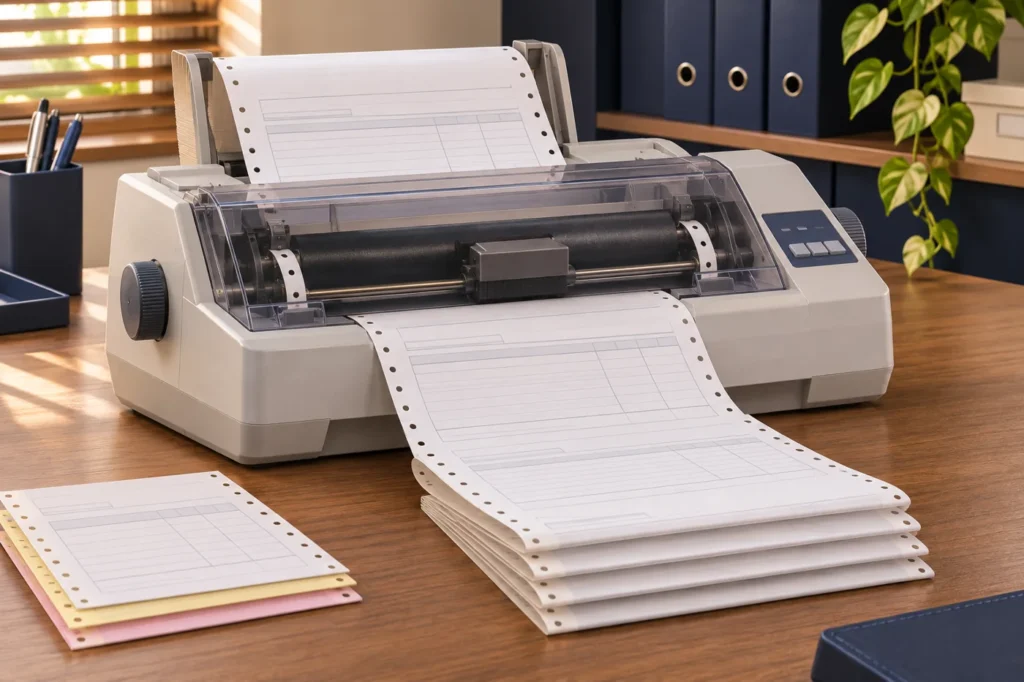
Prepare authorised sample jobs that represent the business's layouts. Check margins, field positions, required characters and page transitions. If continuous forms are used, inspect the position over several pages rather than only the first successful output.
For supported multipart forms, review every required copy for readability. Use media within the printer's stated specifications. A clean top sheet does not establish that the whole form set is suitable for the intended process.
Observe daily handling
Ask operators to review loading, paper movement and routine messages with appropriate guidance. Check the path for incoming and outgoing stationery. Existing furniture may have been arranged around a different printer footprint, so measure the working space before delivery.
Explain how approved settings are restored after a form change. Informal adjustments can make one document look correct while disturbing another. Keep software and hardware changes recorded together so a later problem can be investigated without guessing what was altered.
Make acceptance a controlled step
Agree who approves the sample output and when the changeover will occur. Retain the previous configuration through the business's normal process and define an appropriate alternative if testing is incomplete. The replacement should not be relied upon merely because it has arrived.
Include relevant training, accessories and support in the final scope. Ask Aiken to review the application details and form requirements when discussing options. A good purchase delivers a verified working arrangement, with records that make the printer easier to support after the installation team has left.