
A cable that fits is only the first part of printer compatibility. The application must produce suitable output, the host must communicate through a supported arrangement and the printer must place that information correctly in the book. A successful purchase checks the complete path.
Bring the application owner and the counter operator into the same discussion. They see different parts of the process. One can explain how the job is generated; the other can recognise an entry that is awkward to read or poorly aligned during everyday use.
Record the starting configuration
List the host device, operating environment, application version and current printer arrangement. Identify the interface and relevant driver or emulation settings. If several counters are involved, check whether their configurations are actually the same rather than assuming they are.
Keep a record of the approved existing setup through the organisation's normal process. If changes are needed, identify what will change and who will perform them. This makes a successful test reproducible and gives support staff a useful reference later.
Check the communication path
The connector is one component. Drivers, commands and application settings determine what is sent and how it is interpreted. Ask for the supported arrangement for the exact model and host environment. An adapter should not be treated as proof that the whole workflow will function correctly.
When reviewing a passbook printer in Sri Lanka, explain any software that must remain in use. Establish whether the supplier or the application team is responsible for each configuration step. Clear ownership prevents an unresolved compatibility question from moving back and forth between the two.
Print a representative book entry
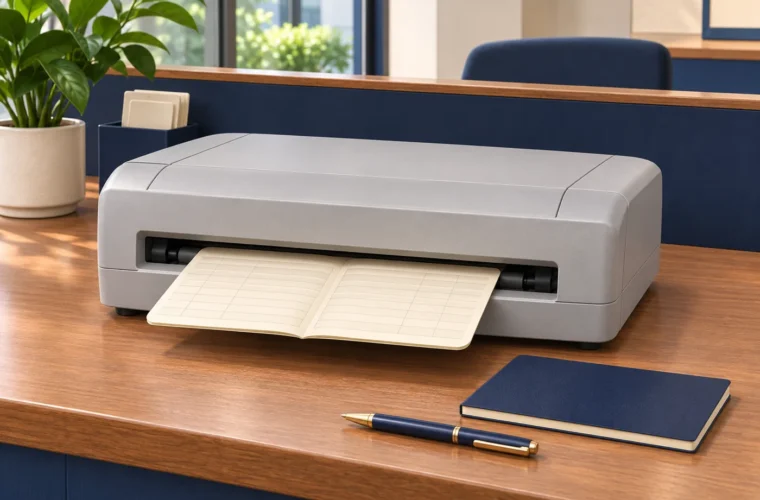
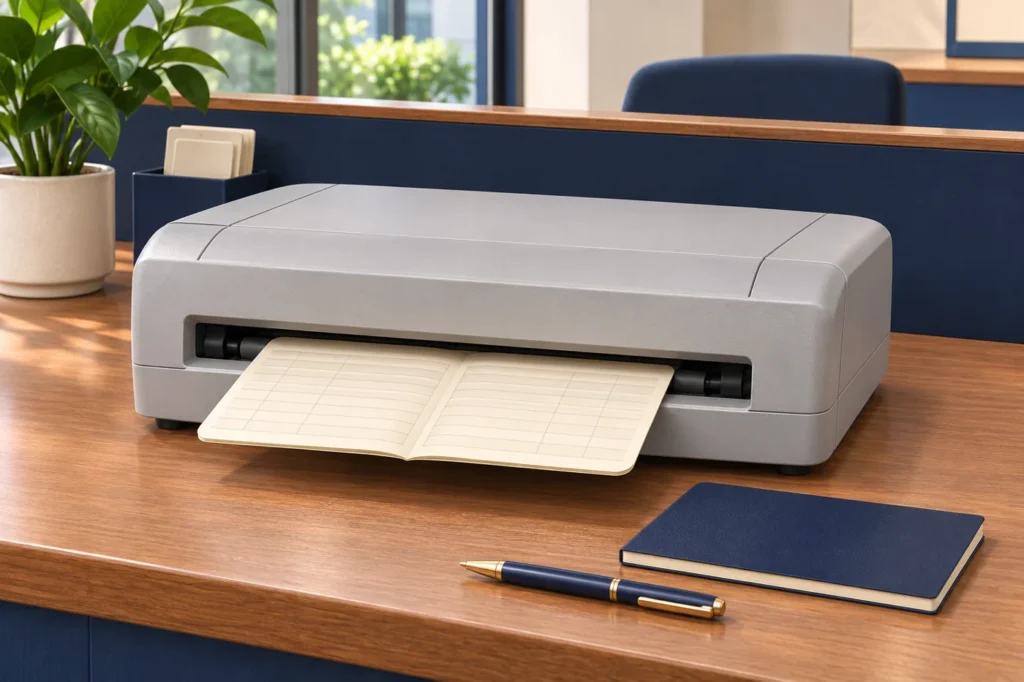
Use authorised sample books and non-sensitive test data. Check alignment, margins, required characters and the position of values within the intended fields. Include the kinds of entries normally printed at the counter. A generic test page demonstrates communication, but not necessarily a usable passbook record.
Review relevant page positions and supported media variations. Ask both technical and operational staff to inspect the result. A clean first line does not establish that later entries or a different approved book format will behave in the same way.
Test the ordinary operator steps
Observe book insertion, selection of the correct task and collection of the printed output. Ask how staff respond to routine messages and how a job is resumed where supported. Recovery should follow the equipment and application guidance rather than an improvised sequence.
Check the desk arrangement as well. The book needs room to move, and operators need access to the controls and consumables. A technically compatible printer can still be inconvenient if the furniture prevents normal handling or maintenance.
Document the configuration that worked
Keep the model details, approved settings, sample results and unresolved questions together. If the configuration is revised, repeat the affected checks and update the record. Do not assume that a demonstration remains valid after a material change.
Share the environment and sample requirements with Aiken when asking for a quotation. Confirm the final equipment against the tested arrangement before ordering. The goal is a working print process that the business can reproduce, operate and support after the initial demonstration ends.